
Using the HeadBuilder
What is the ShieldGenerator and how do I use it?
ShieldGenerator? What's a ShieldGenerator? — and how do I build a crest with it?
ShieldGenerator?
No, not THAT ShieldGenerator! The DrumART ShieldGenerator builds the classic drum shield look — a monogram crest with traditional lines. It draws the crest by code instead of pasting together clip art, which is why it prints razor-sharp at every size we make and stays editable forever. It's included with the designer and doesn't use credits.
1. Open it. In HeadBuilder Studio, click Add Images in the left toolbar, then ShieldGenerator marked ⛨.
2. Work the sections top to bottom. Live Preview redraws with every choice you make, so you're never guessing.
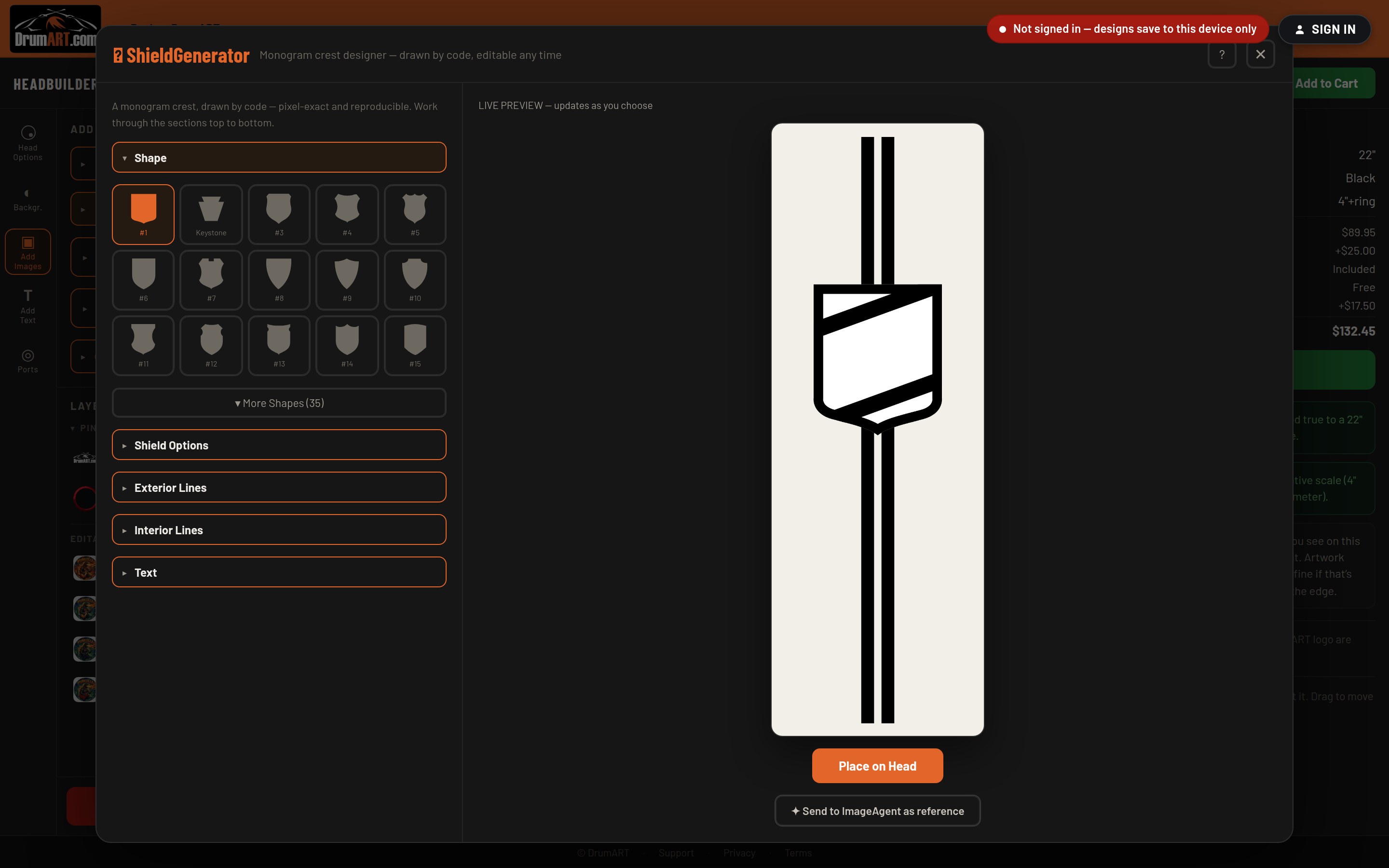
- Shape — fifty shields to choose from. Fifteen are on screen and More Shapes opens the rest.
- Shield Options — the shield's own colors and fill.
- Exterior Lines and Interior Lines — the banding and division lines that give a crest its structure.
- Text — your letters, plus Font, Size, Spacing, Nudge, Text Color, Outline and Shadow.
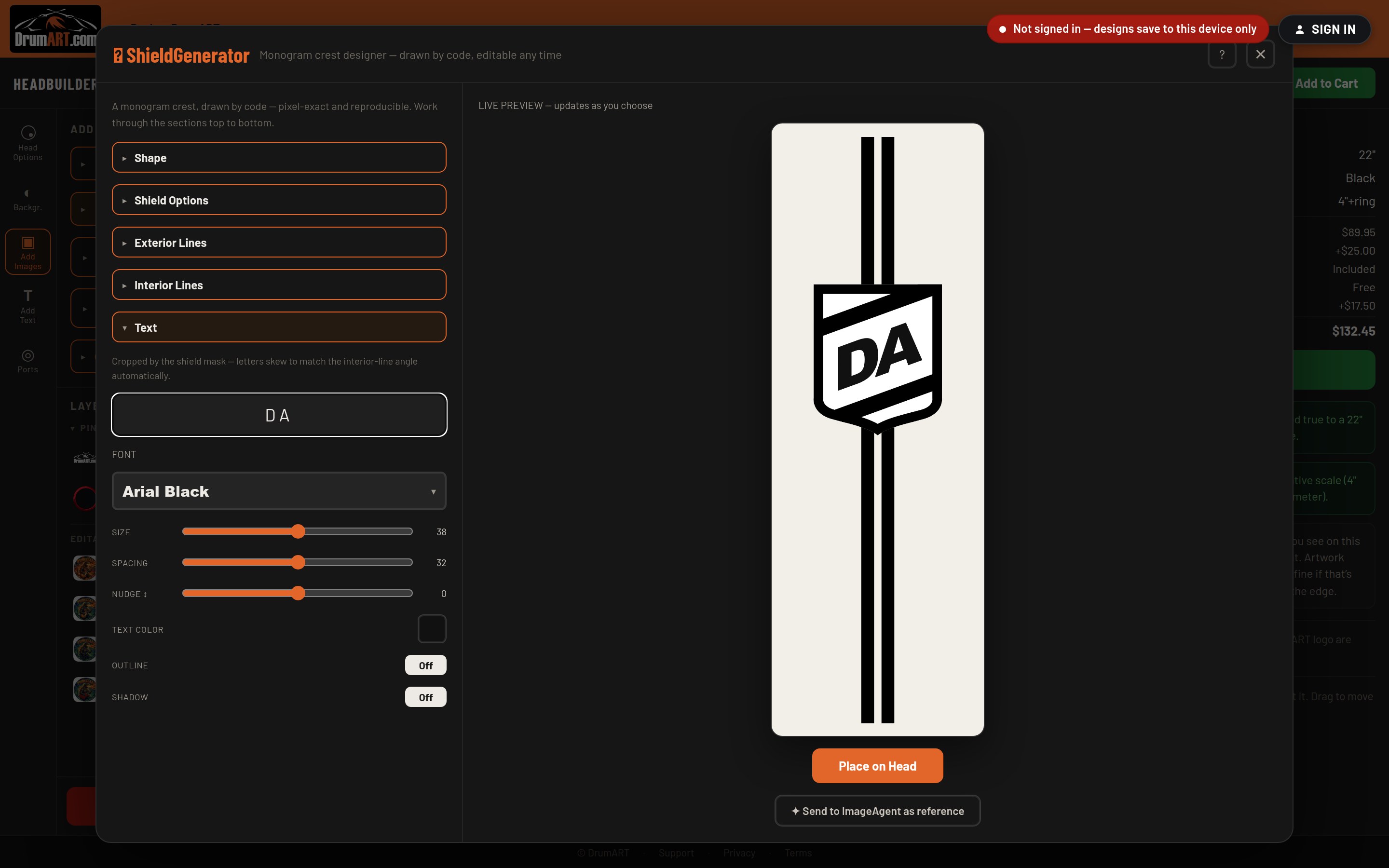
3. Set your monogram. Open Text and type your letters. They're cropped by the shield mask and skew to match the interior-line angle automatically, so a two-letter monogram sits the way a real crest would rather than looking pasted on.
4. Place on Head. The crest drops onto your head as a layer you can move, scale and rotate like anything else. Or use Send to ImageAgent as reference if you'd rather have ImageAgent build a full piece of artwork around your crest.
Tip: it never stops being a shield. Select the crest on your head and click Edit Shield to reopen it with every setting exactly where you left it — come back next season, change a letter or a color, and it redraws perfectly.
More In Using the HeadBuilder
- How do I use the HeadBuilder? Four steps, and the designer walks you through all of them.
- What are the different HeadBuilder modes and how do I use them? HeadBuilder Studio, HeadBuilder Wizard, or your phone — which way in is right for you?
- What is the ImageAgent and what can it do? What the ImageAgent is, why it changes everything, and how to drive it.
- What is the ImageVault? What is the ImageVault and how is it different from the ImageAgent?
Still Need Help?
If your question isn't answered here, email info@drumart.com and a real person will get back to you.
Email Us