
Using the HeadBuilder
What is the ImageAgent and what can it do?
What the ImageAgent is, why it changes everything, and how to drive it.
ImageAgent is the artwork studio built into the designer: describe what you want in plain words and it draws it — three different images every time you press Generate. No drawing skill, no stock hunting, no waiting on anyone. If you can describe it, you can put it on a drumhead.
1. Open it. In HeadBuilder Studioor Wizard, click Add Images in the left toolbar, then ImageAgent marked ✦. Your credit balance and a Buy Credits button sit in the panel header.
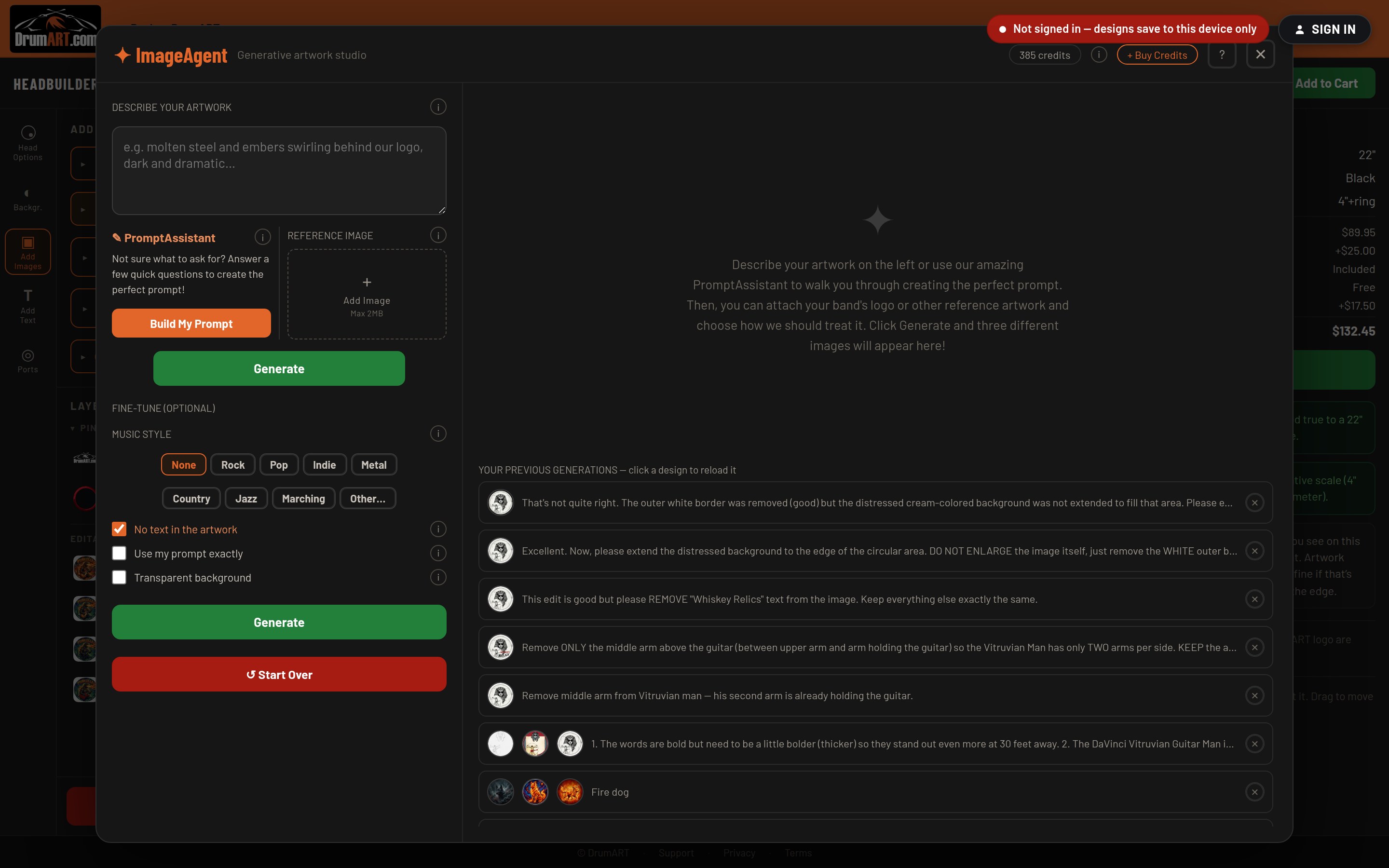
2. Describe your artwork. Type what you want in Describe Your Artwork — subject, style, mood, colors. The more specific you are, the closer the first pass lands.
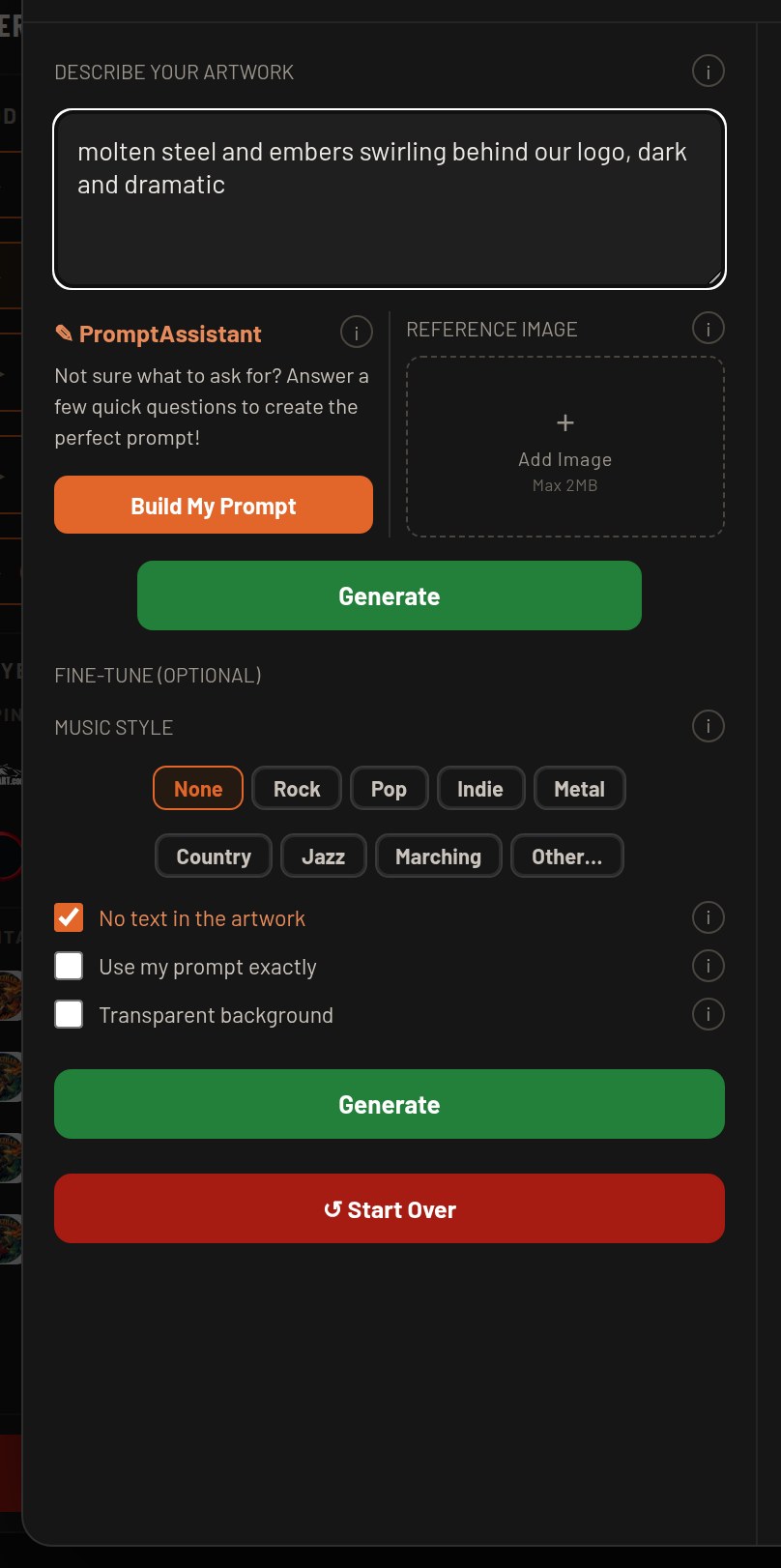
3. Or let PromptAssistant write it for you. Click Build My Prompt and it asks a few quick questions — your band's vibe, the imagery you love, the colors and the mood — then turns your answers into a detailed, ready-to-generate description. Tap one of its suggestions or type your own answer.
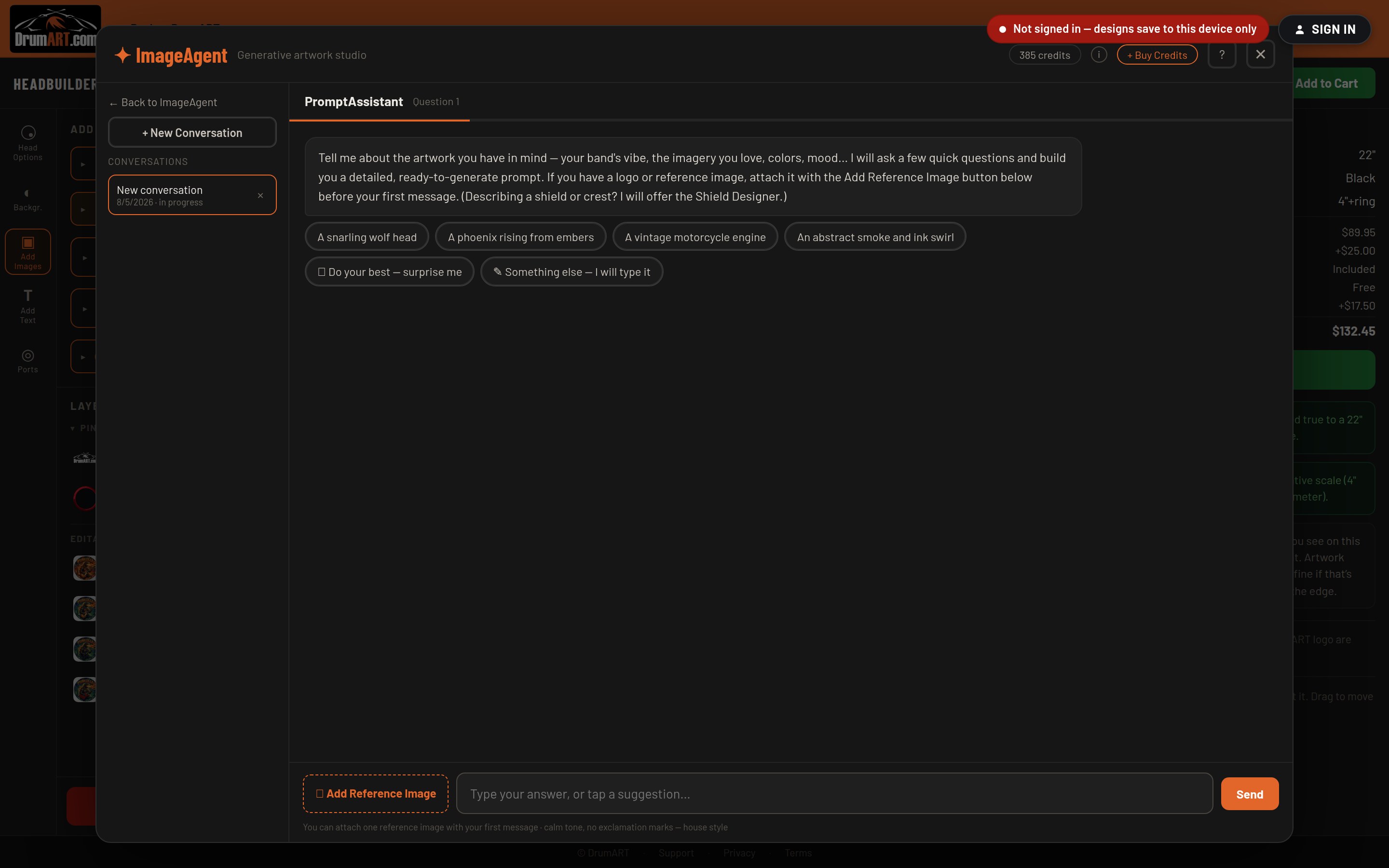
4. Add a reference image (optional). Drop your band logo or a piece of art you like into Reference Image and ImageAgent works from it.
5. Fine-tune (optional). Pick a Music Style, and choose any of:
- No text in the artwork — on by default, and worth leaving on. See the tip below.
- Use my prompt exactly — no interpretation, your words as written.
- Transparent background — a cut-out subject that sits cleanly over any background you like.
6. Generate. Three images appear. Pick the one closest to right and keep talking to it — "make the background black", "more vintage", "put the skull in a top hat" — and each refinement builds on the version you chose. Place your favorite on the head when you're happy with it.
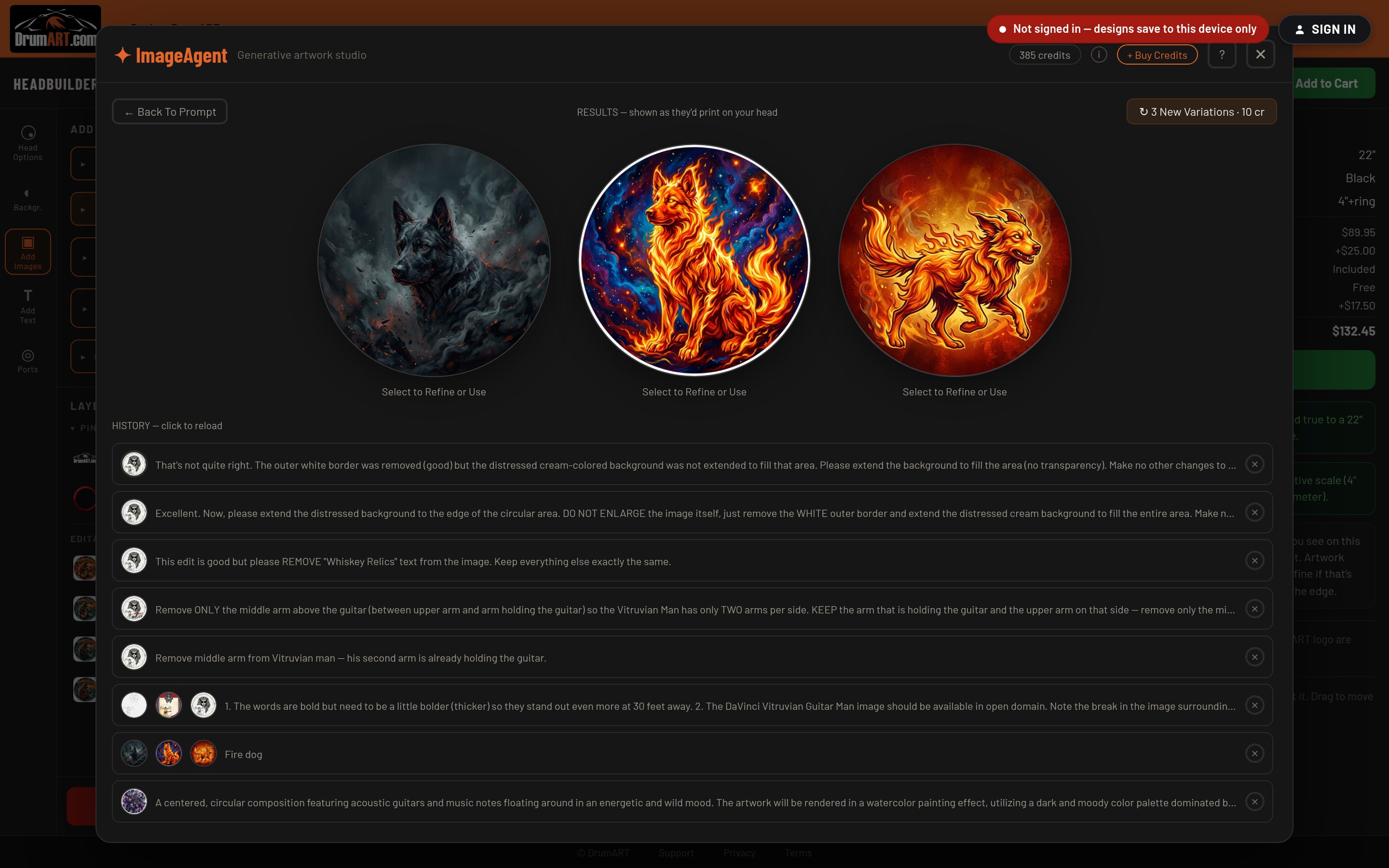
Everything you generate lands in your history, so a favorite is never lost. Generating spends credits, but the artwork itself is free to use — putting an ImageAgent image on your head never adds a licensing fee to your order. (What are ImageAgent credits?)
Tip: leave No text in the artwork checked and add your band name with Add Text instead. Text you type is drawn as real type and prints razor-sharp at any head size; lettering drawn into generated artwork rarely survives the jump to full drumhead scale.
More In Using the HeadBuilder
- How do I use the HeadBuilder? Four steps, and the designer walks you through all of them.
- What are the different HeadBuilder modes and how do I use them? HeadBuilder Studio, HeadBuilder Wizard, or your phone — which way in is right for you?
- What is the ShieldGenerator and how do I use it? ShieldGenerator? What's a ShieldGenerator? — and how do I build a crest with it?
- What is the ImageVault? What is the ImageVault and how is it different from the ImageAgent?
Still Need Help?
If your question isn't answered here, email info@drumart.com and a real person will get back to you.
Email Us